
Meesho Product Photos: Before and After Guide for Jewellery and Decor Sellers
TL;DR: Weak Meesho photos usually have a messy background, harsh glare, no sense of size and only one angle. Fix the starting photo, then give the listing four different photos: white hero, worn or in use, display, and festive. MeeShip Studio builds those from one phone photo.
The "before": five problems that cost clicks
These show up again and again in jewellery, decor and gifting listings:
- A cluttered background. A bedsheet, a floor or a table with other things on it pulls the eye away from the product.
- Glare and wrong colour. Flash, tube light and direct sun make metal look white and flat, or turn gold yellow-green.
- No sense of size. A flat photo of a jhumka or a keychain does not tell a buyer if it is small or large.
- One photo only. The buyer sees no worn, in-use or occasion photo, so has to imagine it.
- Text and stickers on the photo. Price stickers and watermarks look cheap and can break marketplace photo rules.
The "after": one photo, four jobs
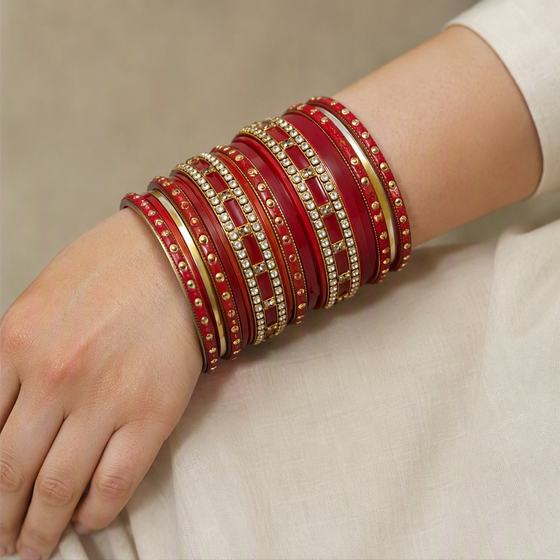
Here is a single ordinary phone photo, and the four photos Studio made from it. Each answers a different buyer question.
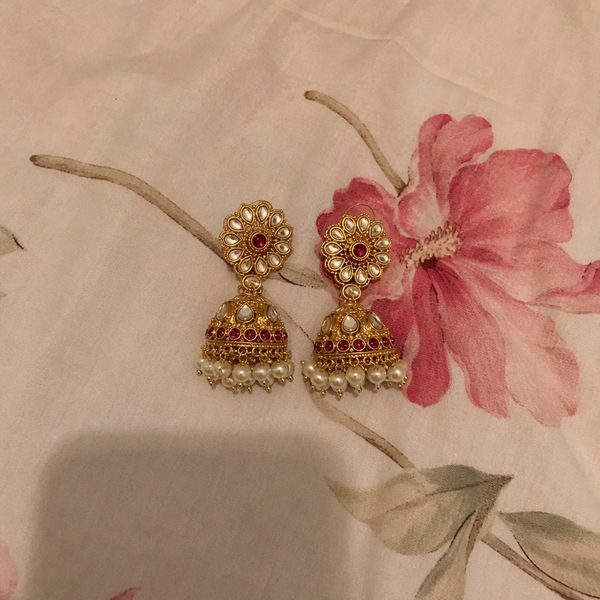
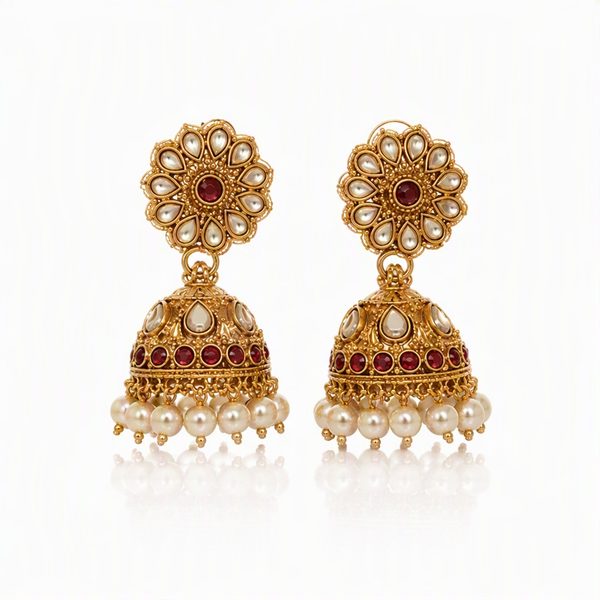
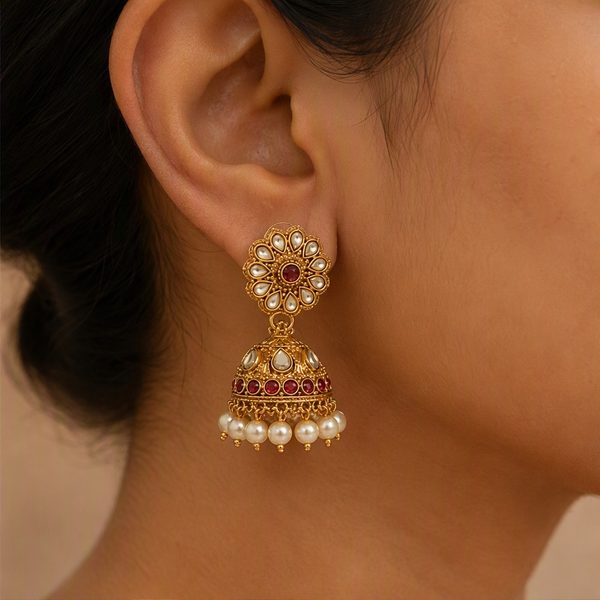
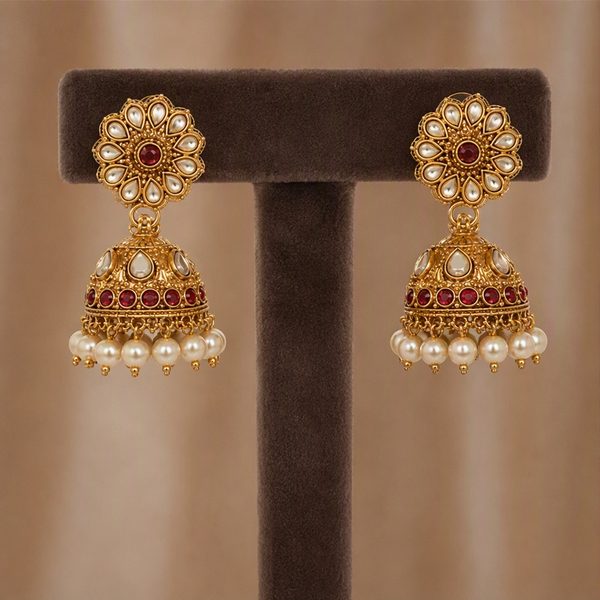
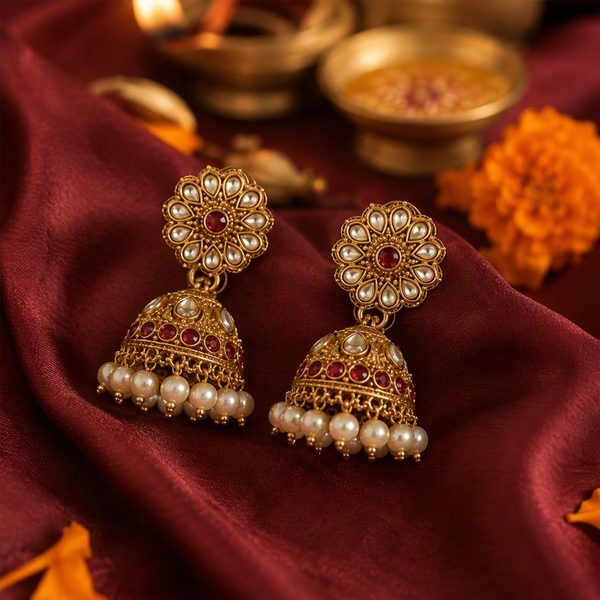
| Photo | Buyer question it answers |
|---|---|
| White hero | What does the product look like, clearly? Use this as your main image. |
| Worn or in use | How big is it, and how will it look on me? |
| Display or flat lay | What does the full piece and finish look like? |
| Festive | Is this right for Diwali, a wedding or a gift? |
Decor and gifting work the same way
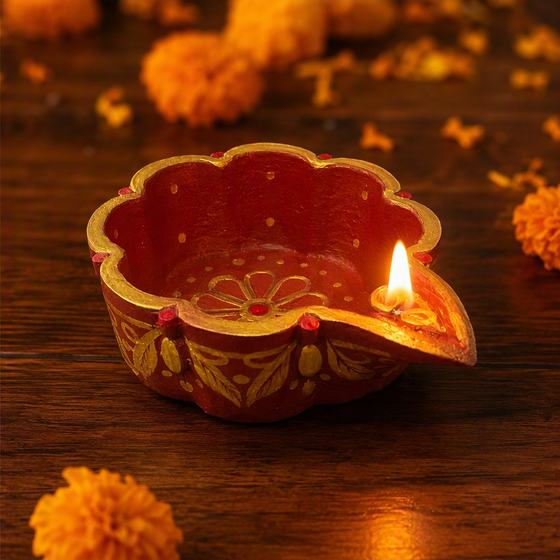
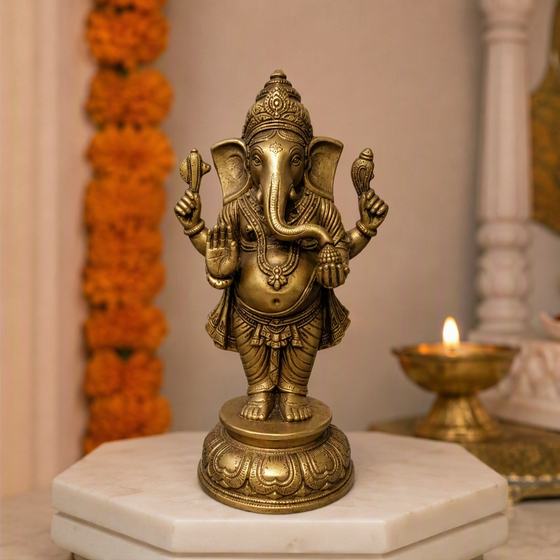
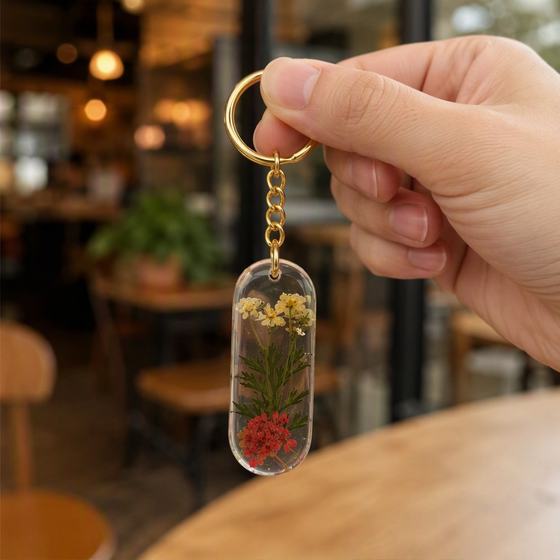
The idea carries over to non-jewellery products. A diya gets a lit scene and a rangoli scene, an idol gets a mandir and a living room, a keychain gets an in-hand shot and a gift box, a photo frame gets a shelf and a bedside scene.
Your before-and-after checklist
- Shoot near a window in soft daylight, with no flash, direct sun or tube light.
- Use a plain, matte surface such as white paper or a plain cloth.
- Keep one product or one pair per photo, with no text or stickers.
- Let the product fill about half the frame and not touch the edges.
- Tap to focus on the product and wipe the lens first.
- Make the white hero your main image, then add worn, display and festive photos.
- Compare every AI photo with the real product before you upload it: count stones or beads, check the metal tone and make sure nothing was added.
That last step matters. Buyers return items that do not match their photos, so a one-minute check protects your rating. For size and format rules, see the Meesho image size guide.
Try it on one product
You get 2 free trial credits when you sign in, enough for two Single Shots. Pick your best-selling product, make a white hero and a worn photo, and compare them with your current listing. Packs start at Rs 99 and failed photos are refunded automatically. See the packs and what expiry means, or open MeeShip Studio.
FAQs
- What is the best main photo for a Meesho listing?
- A clean, centred photo of the product on a white background. Marketplaces show the first photo in search results, so make it the clearest one and put worn, display and festive photos after it.
- How many photos should a Meesho listing have?
- Use as many as the marketplace allows and make each one answer a different question: what does it look like, how big is it, what does the detail look like and what is it for. Four different scenes is a good minimum for jewellery and decor.
- Can MeeShip Studio fix a bad phone photo?
- It can change the background, light and scene, but it cannot invent detail your photo does not have. A sharp, well-lit phone photo gives the best result.
- Do I need to check the photos Studio makes?
- Yes. Studio is instructed to keep your design exactly, and it usually does, but AI can slip on very fine details. Compare every photo with the real product before you list it.
Turn your phone photo into a studio shoot
Sign in to MeeShip Studio and get 2 free credits, enough for two Single Shots.
Open MeeShip StudioRelated reads
HD AI Jewellery Product Photos in India: What You Get, What It Costs, How to Check It
Jewellery sellers want studio-quality photos without a studio. Here is what HD AI photos can do with one phone picture, the real limits, what a shoot costs in credits, and how to check the result.
White Background Product Photo for Meesho, Amazon and Flipkart: How to Make One
The first image on a listing is usually a clean product photo on white. Here is how to take or make one with a phone, which size to aim for, and how to avoid the mistakes that get images rejected.
Diya, Idol and Puja Item Product Photos for the Festive Season: Phone Se Kaise Banayein
Festive buyers want to picture a diya lit at home or an idol in their mandir. Here are the four photos every puja listing needs, how to shoot brass and shiny items from your phone, and how to turn one photo into the rest.